
Sales and dealer network
Let dealers quote faster while pricing control stays with the manufacturer.
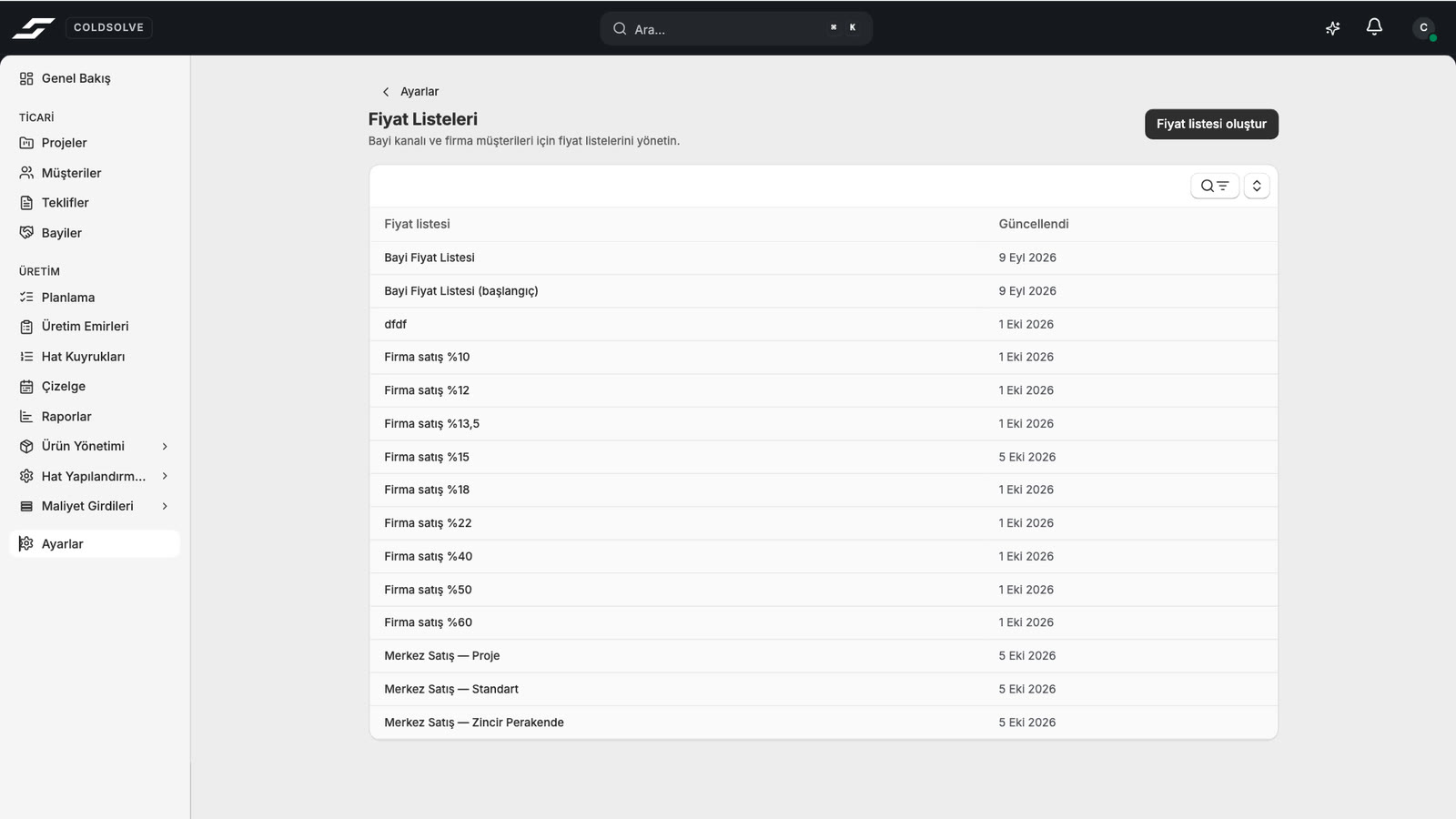
Manage price lists and margin policies centrally. Give each dealer a secure workspace for its own customers and projects without exposing raw manufacturing cost.
- 01Dealer-level data boundaries
- 02Price-list assignments
- 03FX, tax and freight
- 04Versioned PDF/XLSX quotes
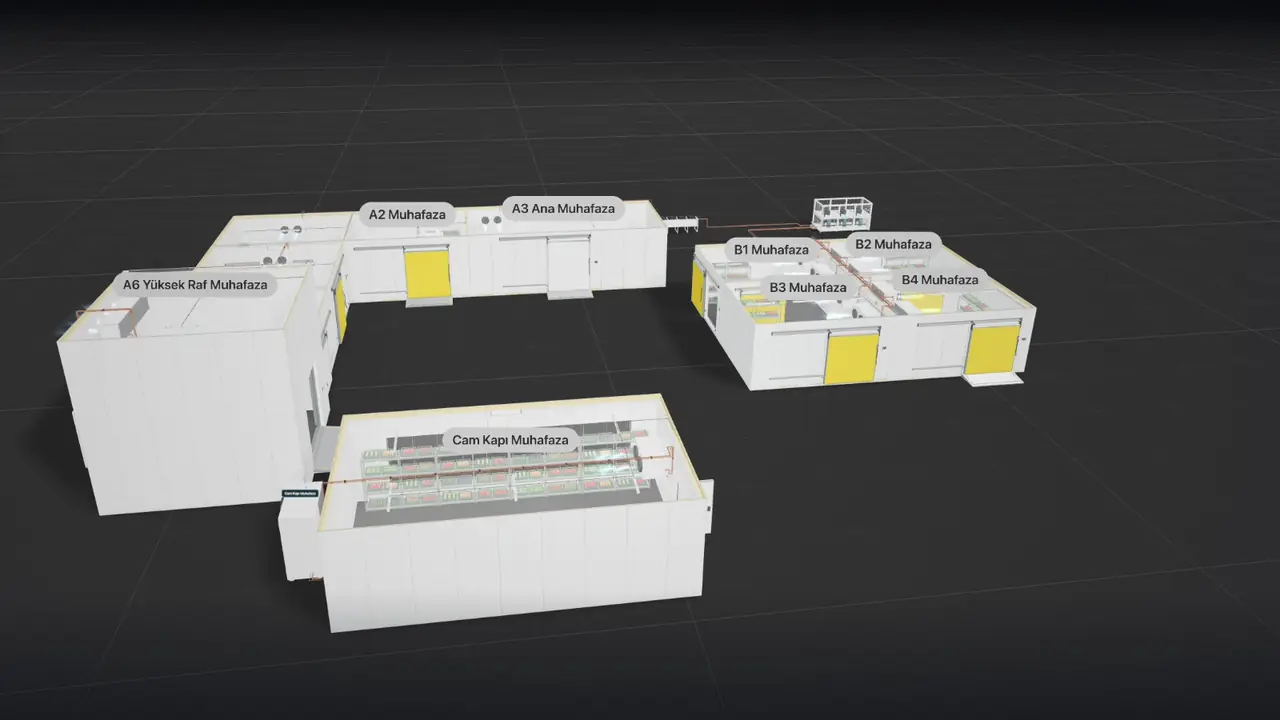
01Dealer management
Give every dealer its own workspace and pricing policy.
Manage dealers, administrators and users centrally. Each dealer remains limited to its own customers, projects and quotes.
- 01
Activation, deactivation and reactivation
- 02
User invitations and dealer transfers
- 03
Price-list assignment
- 04
Separate manufacturer and dealer document identity
02Quick pricing tools
Do not open a full project for every sales question.
Configure a panel, door or modular-room request without creating a project. The quick tools use the same catalog, manufacturing-cost model, price list and commercial rules as the full workflow.
- 01
Panel series, surfaces, thickness and dimensions
- 02
Door type, frame, temperature class, hardware and size
- 03
Producible modular-room size and equipment
- 04
Metric or imperial presentation
- 05
Direct product quotes from the catalog
03Customer sharing
Share the project through a controlled customer link.
Give a customer a view of the project and 3D scene without editing rights. Set an expiry, add a password or revoke access, while keeping price and internal manufacturing cost out of the shared view.
- 01
Expiring and revocable link
- 02
Optional password protection
- 03
Price-free project and 3D view
- 04
Customer can follow a team member’s view

04Price control
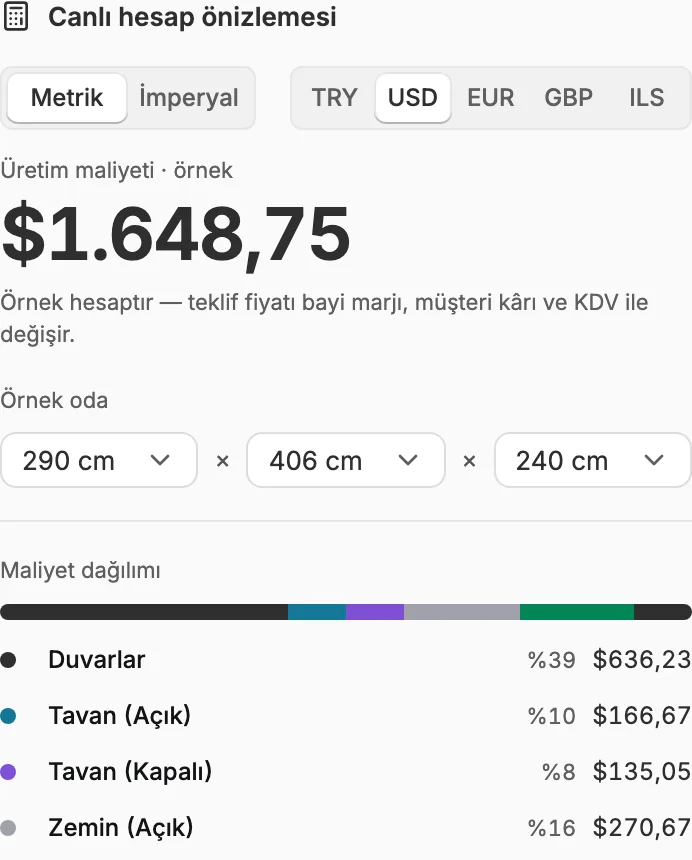
Manage every step from factory cost to customer price.
Apply dealer margin, customer margin, exchange rate, VAT, freight and room-level adjustments within one quote process.
- 01
Central-bank or manual FX
- 02
Default and category-level margins
- 03
Tax rates and exemption codes
- 04
Room and quote-line adjustments
- 05
Supplier price lists
05Quotes and revisions
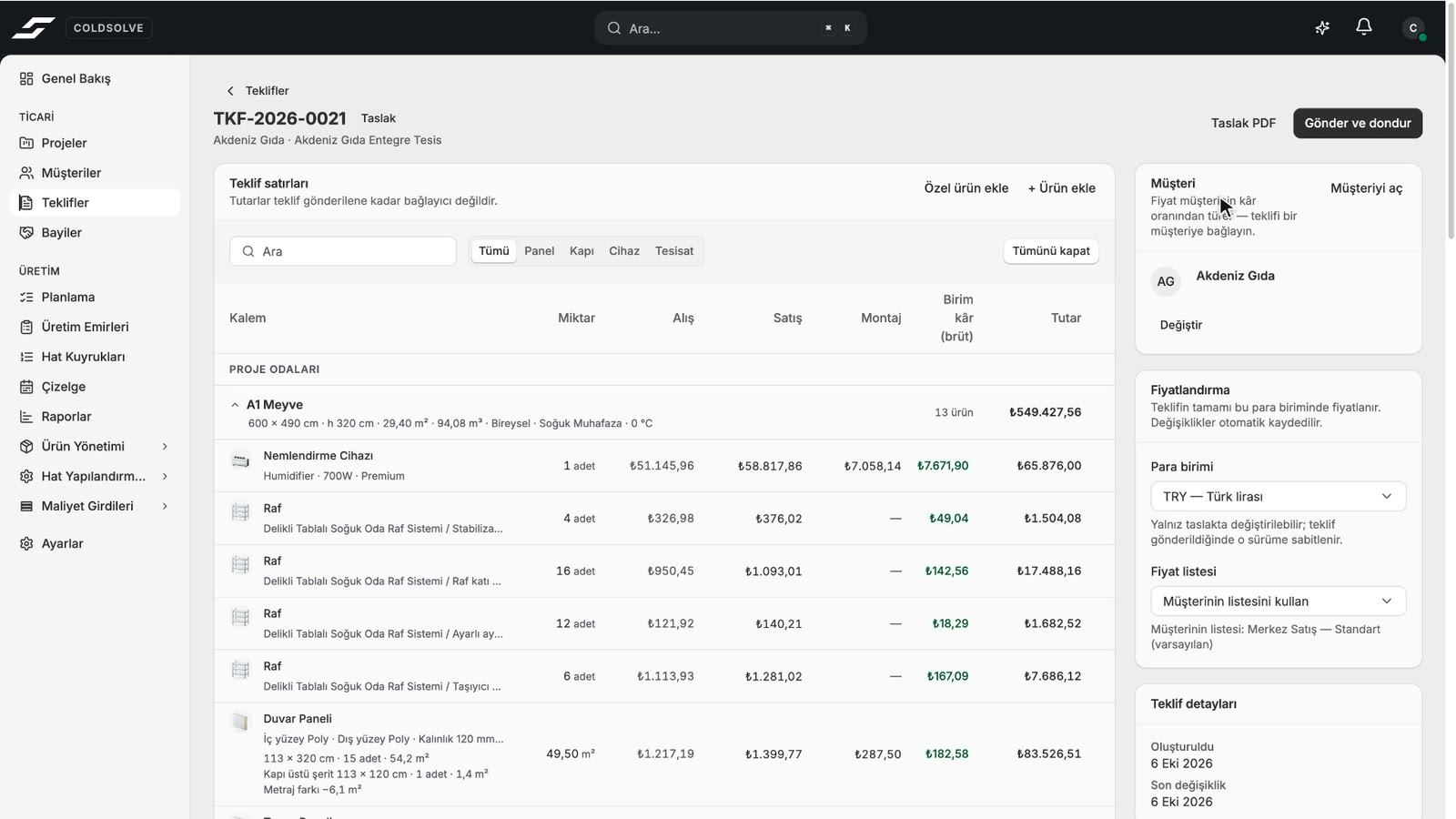
Preserve the price and scope that the customer received.
When a quote is issued, its prices, exchange rates and technical scope are recorded. New work creates a revision instead of changing an old document.
- 01
Project-derived quote lines
- 02
Draft preview and watermark
- 03
PDF/XLSX in 8 languages, including Arabic
- 04
Accepted, rejected, won, lost and expired states
06AI assistant
Ask the assistant about your projects, customers and catalog.
The AI assistant inside the app reads projects, customers, quotes and the product catalog with your own permissions; it answers your questions and carries out the actions you approve. During setup we also read supplier catalogs with AI and import your products together.
- 01
Questions about projects, customers, quotes and the catalog
- 02
No change without your approval
- 03
Access limited to the user’s own permissions
- 04
AI product import from supplier catalogs
07Management view
Measure outcomes across the dealer network, not just activity.
The manufacturer can review quote volume, won and lost work, active projects and dealer-level commercial activity across the network from its own authorized scope.
- 01
Total quote and active-project view
- 02
Won and lost quote counts
- 03
Quote count and amount by dealer
- 04
Manufacturer-level network summary
08Enterprise brand layer
Make Coldsolve feel like a continuation of your brand.
Access the application through your own domain and send quote emails from a verified address. Use separate manufacturer and dealer identity, logo, color, typography and PDF template settings.
- 01
Custom application domain
- 02
DKIM-verified quote sender address
- 03
Manufacturer or dealer letterhead and contact details
- 04
Selectable PDF template, brand color and typography
Continue through the process
Explore the other parts of Coldsolve.
Grow the dealer network without losing commercial control.
See dealer scope, price-list assignment and quote revision in a live sales scenario.